%20(27).png?width=1200&height=628&name=Copy%20of%20Copy%20of%20MS%20-%20Featured%20Image%20Template%20%20(1200%20x%20628%20px)%20(27).png)
There are multiple ways to move data into HubSpot at enterprise scale, and you have to pick one before the project starts. Each method has its pros and cons, and you know choosing the wrong one will lead to an unsuccessful migration. No pressure.
What makes it worse is that an unsuccessful migration does not look unsuccessful. Pick the wrong method and it still runs. Nothing errors. The records land. You find out after go-live, when the reporting will not reconcile and the legacy system is already switched off.And so the question is, how do you select the right method for migrating data into HubSpot at enterprise scale?
Thankfully, HubSpot publishes the restrictions on every method, so there is some guidance on how to square this circle. However, the information sits across separate pages, which is why almost nobody looks.
This blog is here to save you time by uncovering seven different methods for moving data into HubSpot, what each one can handle, and the restriction that rules it out.
In this blog, you will learn:
- The seven methods and what each one cannot do: the documented restriction that rules each method in or out before you commit to it
- Why portal migration tools cannot replatform you: Datawarehouse.io and similar tools read HubSpot portals only, so they cannot touch Salesforce, Marketo or Dynamics
- Why your cutover window is probably too short: the throughput figure most teams plan against is a floor rather than an estimate
How do you migrate data into HubSpot at enterprise scale?
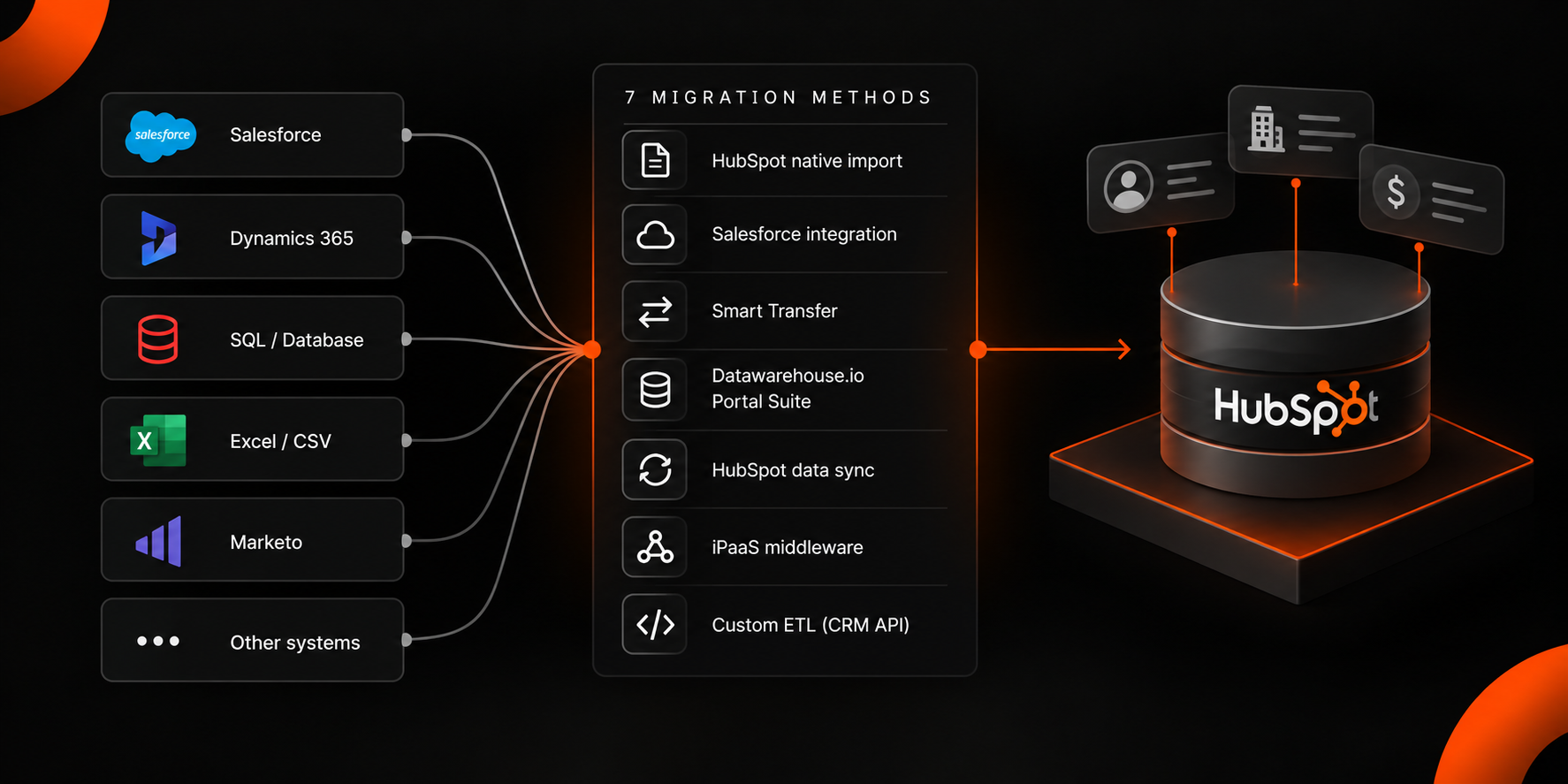
Enterprise HubSpot migrations use seven methods: HubSpot's native import, the native Salesforce integration, HubSpot Smart Transfer, the Datawarehouse.io Portal Migration Suite, HubSpot data sync, third-party iPaaS middleware and custom ETL built against the CRM API. Which ones apply depends on three variables: the source system, the record volume and how much historical activity must survive the move.
The Seven Methods and What Each One Handles
1. HubSpot Native Import – Bulk Loads of Up to 1,048,576 Rows Per File
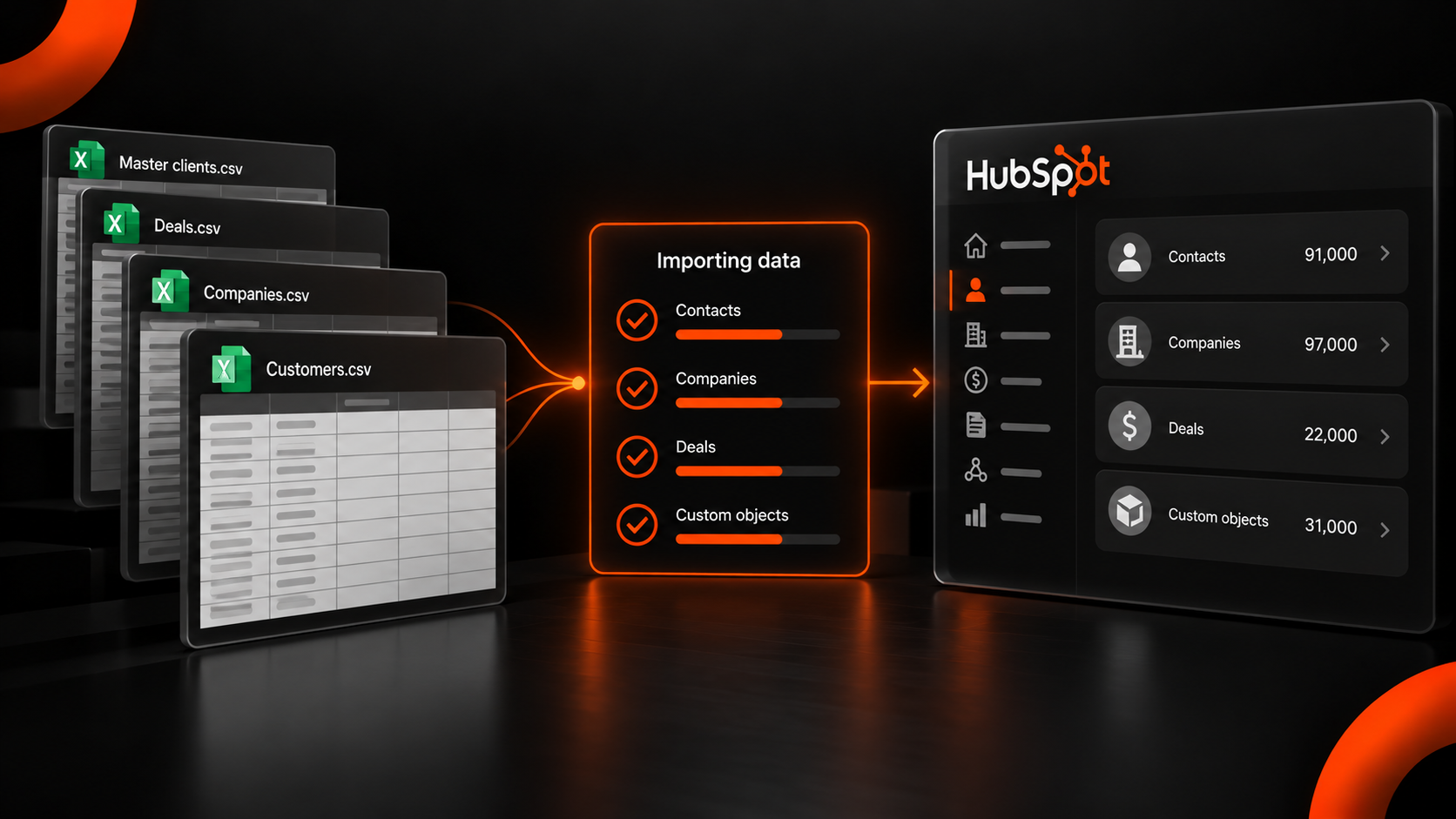
Start here, because for a large share of migrations, it is sufficient. HubSpot's documented limits allow files up to 512 MB, 1,048,576 rows per file, 10 million rows per day and fewer than 1,000 columns, with three simultaneous imports running and two of those permitted to exceed 10,000 rows.
Volume is rarely the constraint that catches enterprise projects. Objects are. HubSpot's multi-file import method handles two objects at a time when associations have to be created between them.
Blue & Co., a 17-office accounting firm, moved approximately 91,000 contacts, 97,000 companies, 22,000 deals and 31,000 master clients off Microsoft Dynamics. These four object types were each associated with the others, which makes it a sequenced set of import jobs rather than one. The association logic was planned before the first file was uploaded.
Native import is the right choice when the source exports cleanly to CSV and the object model is simple.
2. The HubSpot Salesforce Integration – Selective Sync for Salesforce Sources Only
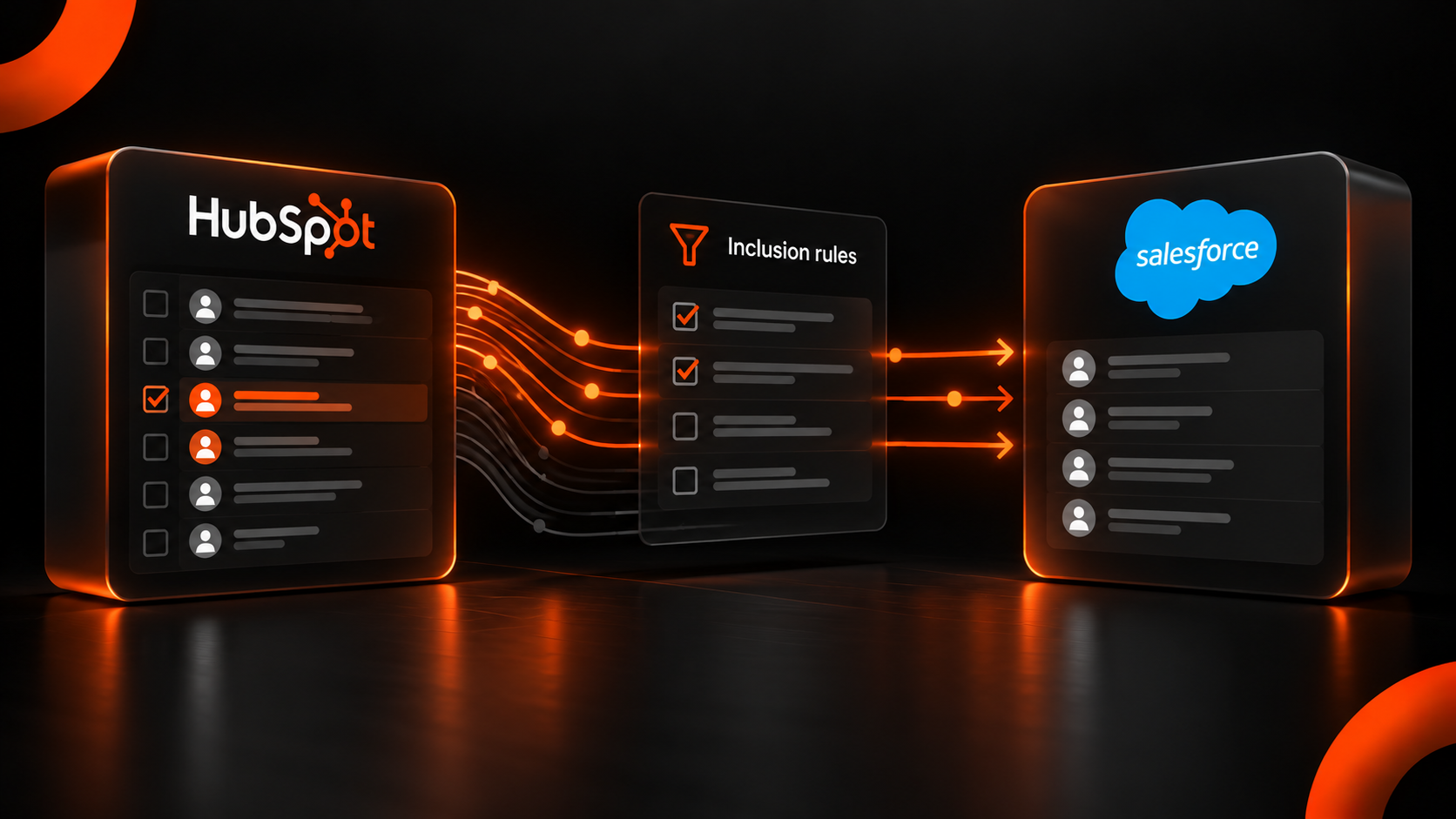
Without a defined inclusion rule, the native Salesforce integration will move far more than intended. HubSpot's documentation is explicit on the default. If no inclusion segment is selected, all HubSpot contacts will sync to Salesforce.
Rehmann, a 1,000-employee advisory and asset management firm, was running HubSpot and Salesforce side by side with 99.7% of HubSpot contacts syncing automatically into Salesforce, unqualified. More than 30,000 duplicate records were removed during the remediation. The inclusion rules were the failure rather than the tooling.
Use it when Salesforce is the source and both systems will run in parallel during a phased cutover.
3. HubSpot Smart Transfer – Guided One-Way Loads from 13 Named Source Applications
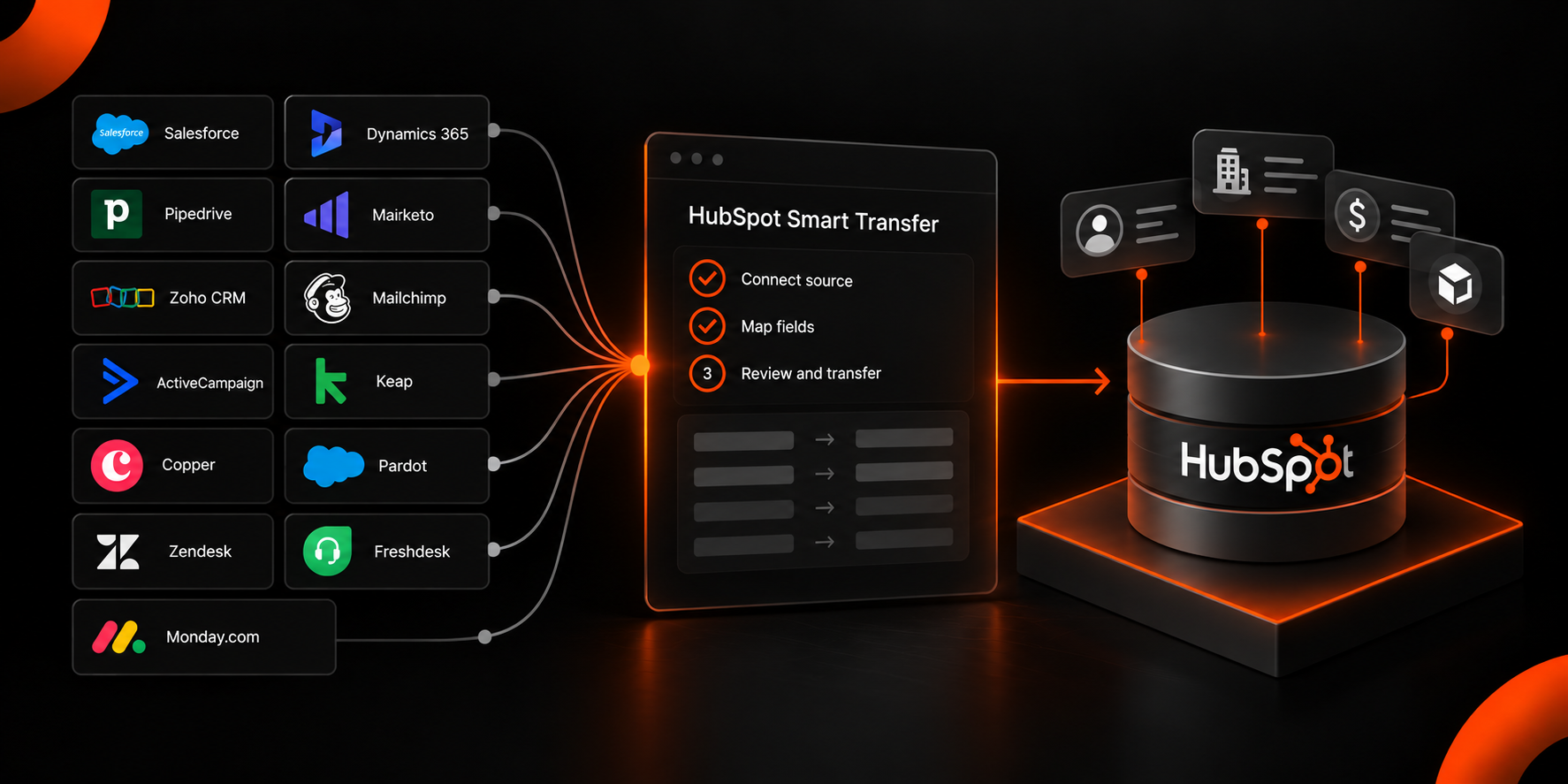
Check the supported list before anything else, because this HubSpot integration method is explicitly scoped. HubSpot Smart Transfer moves data from other applications into HubSpot through guided field and object mapping, and it supports 13 sources. These are Pipedrive, Zoho CRM, Dynamics 365, ActiveCampaign, Copper, Mailchimp, Keap, Salesforce, Account Engagement (Pardot), Marketo, Zendesk, Freshdesk and Monday.com.
Three documented limits decide whether it fits. The transfer is one-way into HubSpot. Only Super Admins can run it. Custom field mappings require a Data Hub subscription, and HubSpot states that data moved through a one-time transfer will not be part of an ongoing sync, so it will not stay up to date on its own.
For timeline expectations alongside it, HubSpot states that most businesses complete their migration process within three months and describes three delivery models. Those are HubSpot led, partner led and hybrid.
What Smart Transfer does not touch is the object model itself. The West Virginia Department of Tourism arrived with Salesforce carrying more than 60 custom objects, which the rebuild reduced to fewer than 10. Collapsing a model that far is an architectural decision made before any transfer runs.
This method is best used when the source is on the supported list, the object model is close to standard and the source system is switching off.
4. HubSpot-to-HubSpot Portal Migration – For Consolidating Two HubSpot Instances
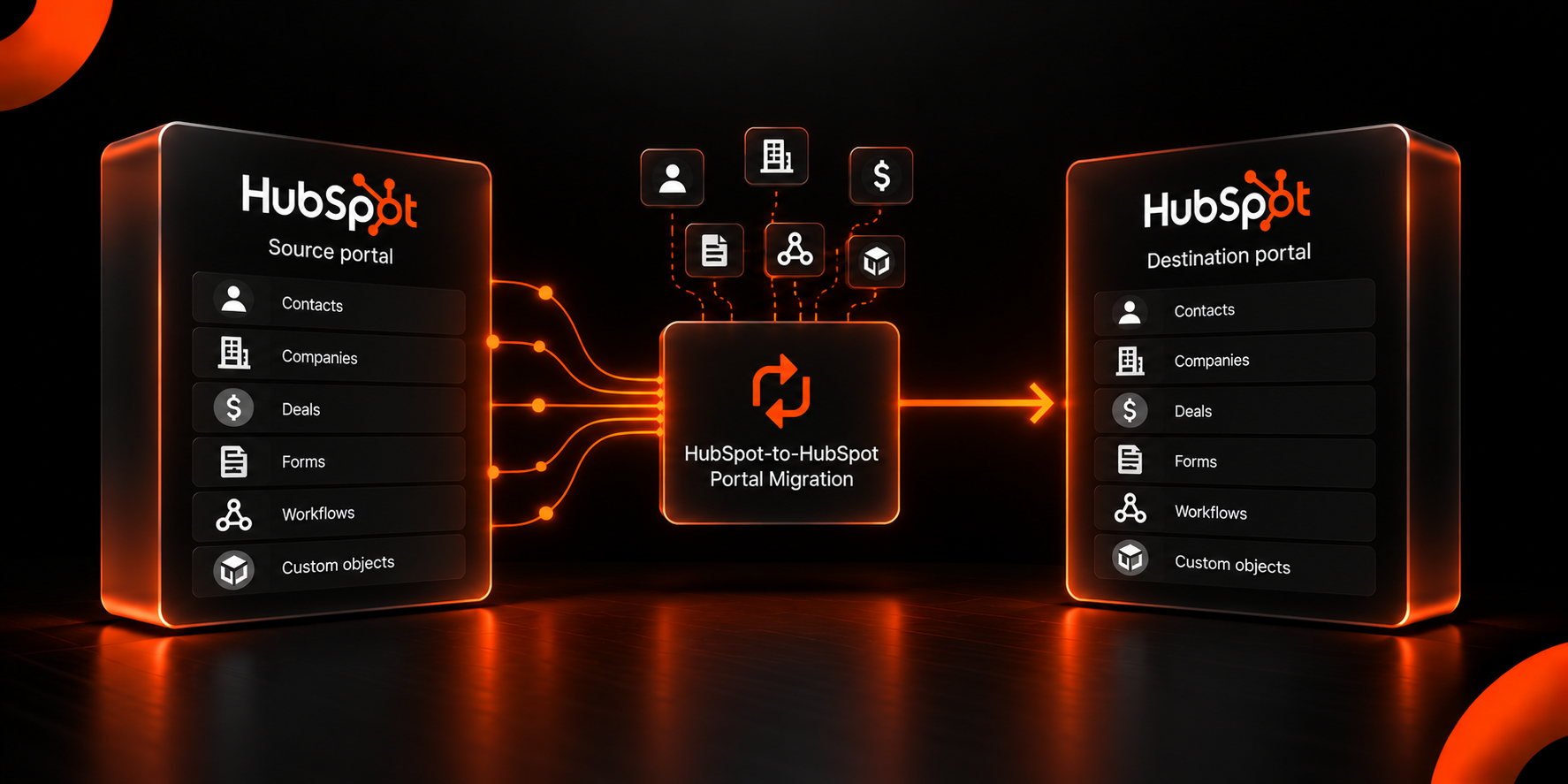
This category is routinely misunderstood, and the misunderstanding is expensive. Marketplace apps exist that move data and schema between HubSpot portals. They migrate properties and property groups, deal pipelines, forms, workflows, custom objects and the associations between records, merging contacts on email address and companies on domain.
They read HubSpot and nothing else. They cannot read Salesforce, Marketo, Dynamics or a core banking platform. If the project is a replatform from another vendor, this category has no role in the data transfer at all.
It also rarely does the whole job on its own. When a Canadian logistics provider acquired a competitor, the consolidation was not two HubSpot portals but HubSpot and Salesforce merged into a single instance, with two WordPress sites moved into Content Hub alongside it. Real mergers leave mixed systems, so portal migration is usually one part of a larger build.
Opt for this method only when the source and the destination are both HubSpot.
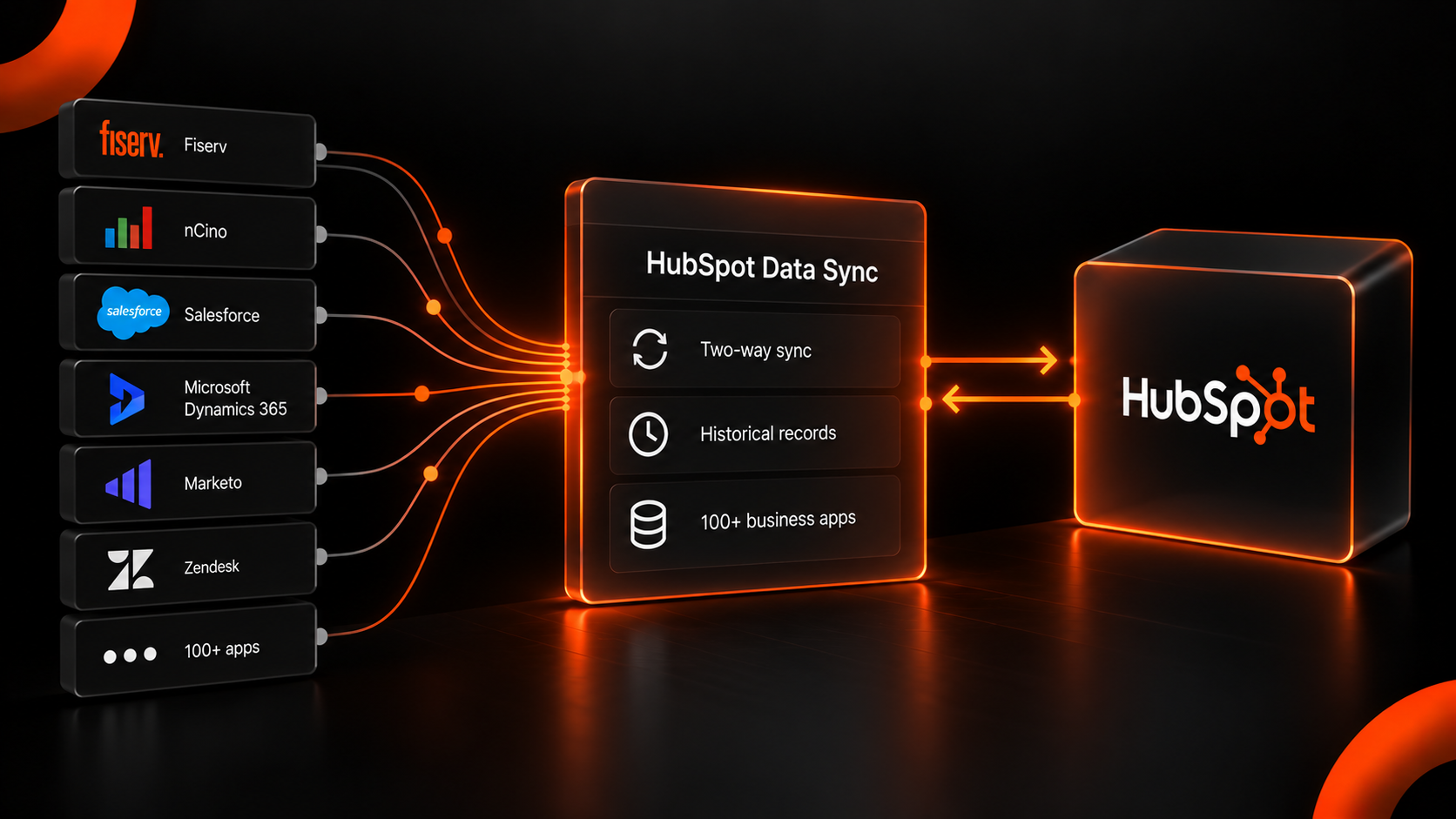
5. HubSpot Data Sync – Ongoing Two-Way Sync Across More than 100 Business Apps
Compared with every method above, data sync solves a different problem. HubSpot data sync connects to over 100 business applications with one-way or two-way sync, and unlike forward-looking integrations, it passes historical records as well as new ones.
That historical capability leads teams to treat it as a CRM migration tool. It is better understood as the thing that runs after the migration, keeping two systems in agreement indefinitely.
Pinnacle Bank illustrates the distinction. The project unified more than 10 systems, including Fiserv Precision core banking, nCino and MortgageBot across roughly 300 users. Thirteen Fiserv Precision extract files are now consolidated nightly. That nightly consolidation is a sync requirement, and it would have been scoped incorrectly if treated as part of the one-time move.
This method is best when the source system stays switched on and both systems need to stay in sync.
6. iPaaS Middleware – Connecting Systems HubSpot Has No Native Connector For
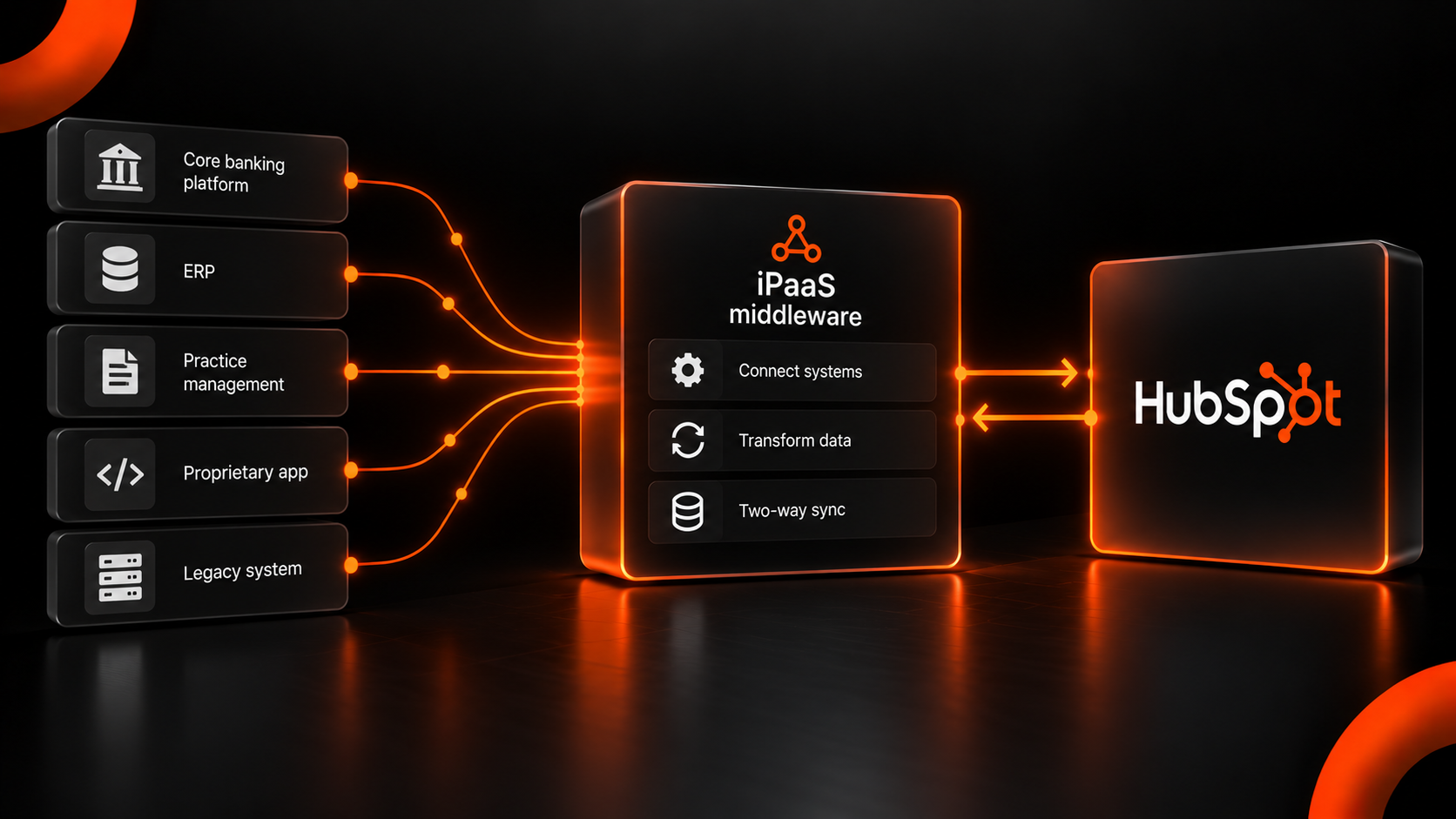
Count the systems in the stack with no entry in HubSpot's connector library, and that number determines whether middleware is required. The App Marketplace lists 234 connector apps, which sounds comprehensive until the stack includes core banking, practice management, legacy ERP or a proprietary internal application, which is where custom integration work begins.
ZEF Energy moved off Copper CRM and Microsoft Business Central in 3.5 months, with a bi-directional Business Central integration and 90 custom reports built on the result. The CRM records moved once. The financial data continues to move both ways, which is a middleware job rather than a migration one.
The cost to weigh is maintenance. Every middleware connection is a system that needs an owner after going live.
Middleware becomes necessary when a required system has no native connector and the data flow is permanent.
7. Custom ETL On the CRM API – Full Control Inside a 190-Request Burst Limit
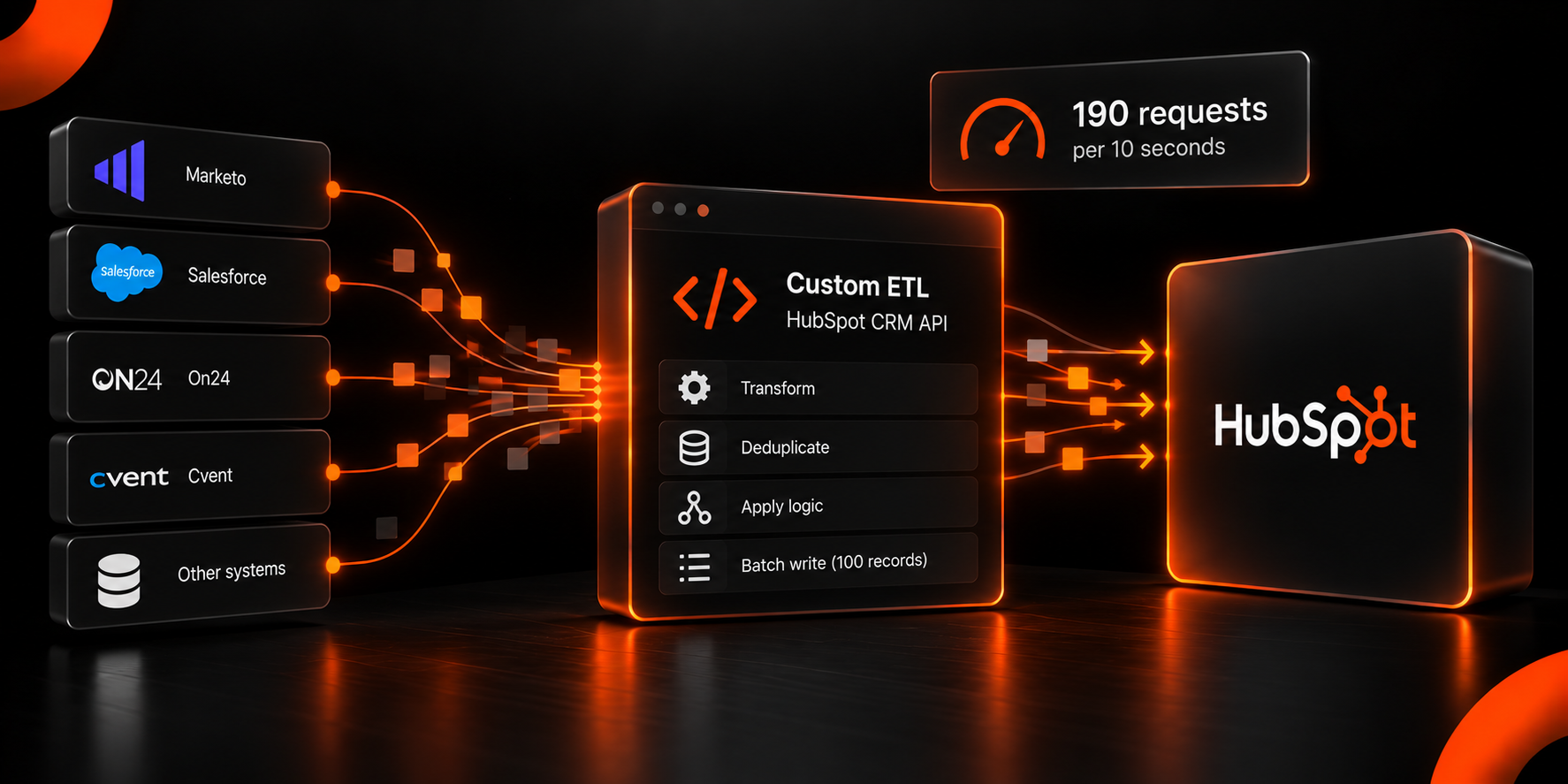
The arithmetic decides this one. HubSpot's documented API limits give Professional and Enterprise private apps 190 requests per 10 seconds, with daily caps of 625,000 and 1,000,000 requests, respectively. Batch endpoints accept 100 records per request.
Apply that to a real volume. ACT, Inc. centralized 3 million contacts from Marketo, Salesforce, On24 and Cvent. At 100 records per batch request, a single clean write pass is 30,000 requests, which is roughly 26 minutes if every request lands at the full 19-per-second burst rate.
Treat that figure as a theoretical floor rather than an estimate. It is the raw batch-write ceiling and nothing else. It excludes association calls, which generally require separate endpoint requests and their own indexing time, and it assumes sustained maximum burst throughput, which API concurrency limits make unrealistic across a multi-hour job. It also excludes reads, retries on failed records and any other application drawing on the shared daily quota. Planning against the theoretical number is how migration windows get set too short.
Real migrations also run as a sandbox load, several validation cycles and a production run rather than a single pass, which is why the daily cap rather than the burst limit tends to become the binding constraint.
This method is best when the data has to be cleaned, reshaped or filtered by your own rules on the way in, and no connector can do that.
How Do You Choose Between HubSpot Migration Methods?
Four questions settle it in most cases.
What is the source system?
A HubSpot source points to the Portal Migration Suite. A Salesforce source opens the native integration and Smart Transfer. Anything else rules both out immediately.
How many object types carry associations?
Two or fewer stays within native import. More than two requires sequencing, and usually custom work.
Does the source system switch off at cutover?
If it does, this is a migration. If it stays live, a sync layer is part of the permanent architecture and should be scoped as such.
What is the association count, not just the record count?
Associations are usually separate API calls with their own indexing time, so a migration's duration tracks the number of relationships between records more closely than the number of records.
A fifth question applies to regulated environments, and it is one reason CRM implementation is harder for financial institutions. Does the data need an auditable transformation record? Native import does not produce one. Custom ETL does because the transformation logic is code that can be reviewed.
What Does HubSpot Migration Tooling Not Solve?
Tooling moves records. It does not decide which records should move, who owns a field once two systems can write to it or what a given object means to each team that touches it, which is the real work of synchronizing CRM data across marketing, sales and service.
Every failure described above was a decision problem wearing a technical costume. The Rehmann sync was correctly configured against incorrect inclusion criteria. The West Virginia object model was faithfully replicated until somebody asked if 60 custom objects were needed. Reporting gaps after an enterprise integration almost always trace back to definitions agreed on after the data model was built rather than before it.
Blue & Co. is the clearest illustration. Dynamics had been in place for more than five years, with five to seven consistent users among 60-plus directors. No tool addresses that. Multi-person deal attribution did, because it made collaboration measurable and gave directors a reason to use the system.
Adoption follows from whether the data model reflects how the business actually works rather than the tool that loaded it.
How Does Mole Street Sequence an Enterprise HubSpot Migration?
Mole Street selects tooling after the object model and field ownership are agreed on, not before. Discovery maps every source system, object and field that more than one system can write to. The tool list follows from that map.
On multi-system projects, the combination is typically native import for the clean bulk objects, custom ETL for anything requiring transformation or deduplication and a sync layer for systems that stay live. Pinnacle Bank's build used three custom objects for banking relationships and replaced more than 60 monthly PDF scorecards with live dashboards, which were delivered in roughly five months before the legacy CRM contract expired.
The full approach is set out in HubSpot data migration services, and what to look for in a HubSpot migration provider covers the evaluation criteria in more depth.
You Cannot Choose a Migration Method Until You Know What You Are Moving
The seven methods are well documented and publicly available for any team to access and act upon. Before undertaking a migration, answer three questions.
- Which records earn a place in the new system?
- Which system owns each field afterwards?
- Which processes get redesigned instead of copied?
Those answers decide the method for you. Teams often approach this in reverse. They pick a method, then discover their data does not fit it, and by then the timeline is published and the budget is committed.
Decide what you are moving first. The method follows.
Frequently Asked Questions
Can you migrate from Salesforce to HubSpot without losing activity history?
Activity history can be migrated, but it requires a separate plan from record migration. Emails, calls and meetings are activity objects with their own associations, and they are frequently scoped after the main records have already moved. Decide during discovery how far back the history needs to go, because full history materially changes the volume and timeline.
Do you need Data Hub to migrate to HubSpot?
No. Data Hub, previously named Operations Hub, is not required for a one-time migration. It becomes relevant when a source system stays live after cutover and both systems need to agree on an ongoing basis, which is what HubSpot data sync provides.
What is the maximum number of records HubSpot can import at once?
HubSpot allows 1,048,576 rows per file and up to 10 million rows per day on Starter, Professional and Enterprise subscriptions. Three imports can run simultaneously, and two of those can exceed 10,000 rows.
Can HubSpot-to-HubSpot migration tools move data from other CRMs?
No. Portal migration tools such as the Datawarehouse.io suite read and write HubSpot portals only. Migrating from Salesforce, Dynamics, Marketo or any other platform requires a different method entirely.
Should a HubSpot migration run in one cutover or in phases?
It depends on whether the source system can be switched off. If it can, a single cutover is usually faster and cheaper. If other systems depend on the source, a phased approach with a sync layer during the overlap reduces risk, which is how most multi-system enterprise projects run.
How long does an enterprise HubSpot migration take?
HubSpot states that HubSpot replatforming is usually completed within three months. Multi-system enterprise projects typically run longer. ZEF Energy was completed in 3.5 months across two source systems, and Pinnacle Bank took roughly five months across more than 10.